
Professional MacBook Repair for Screens, Batteries and Logic Boards
In particular, FiXpert repairs MacBook Air and MacBook Pro models with screen damage, weak batteries, keyboard or trackpad faults, charging problems, liquid damage, overheating and logic-board issues. First, before any repair, we inspect the MacBook to confirm the fault. Afterwards, we test the repaired functions so the device is operating correctly.
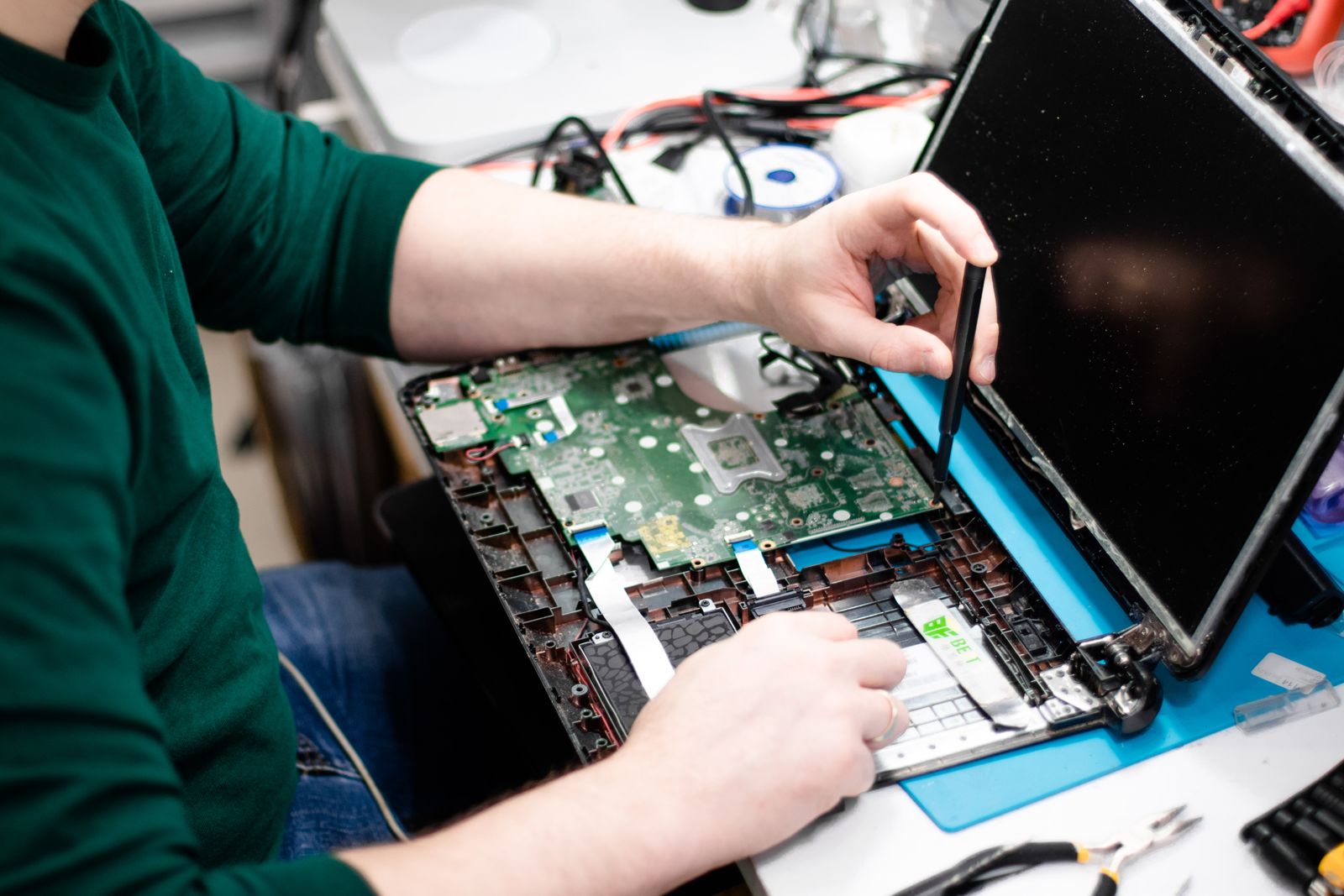
Repairs for Common MacBook Problems
For example, a MacBook fault can come from the display, battery, charging system, keyboard, trackpad or logic board. Because the symptoms can overlap, we first diagnose the cause. As a result, we can recommend the most suitable repair.
MacBook Screen Repair
For example, we repair supported display faults such as cracked screens, lines, flickering, black images and backlight problems.
Ask about screen repair →
MacBook Battery Replacement
For instance, if the battery drains quickly, swells, shuts down unexpectedly or reports poor health, replacement may restore reliable use. Therefore, everyday performance can become more dependable.
Ask about battery repair →
USB-C & Charging Repair
Charging problems may involve the USB-C port, charger, battery, power circuit or logic board. Therefore, diagnosis comes first.
Ask about charging repair →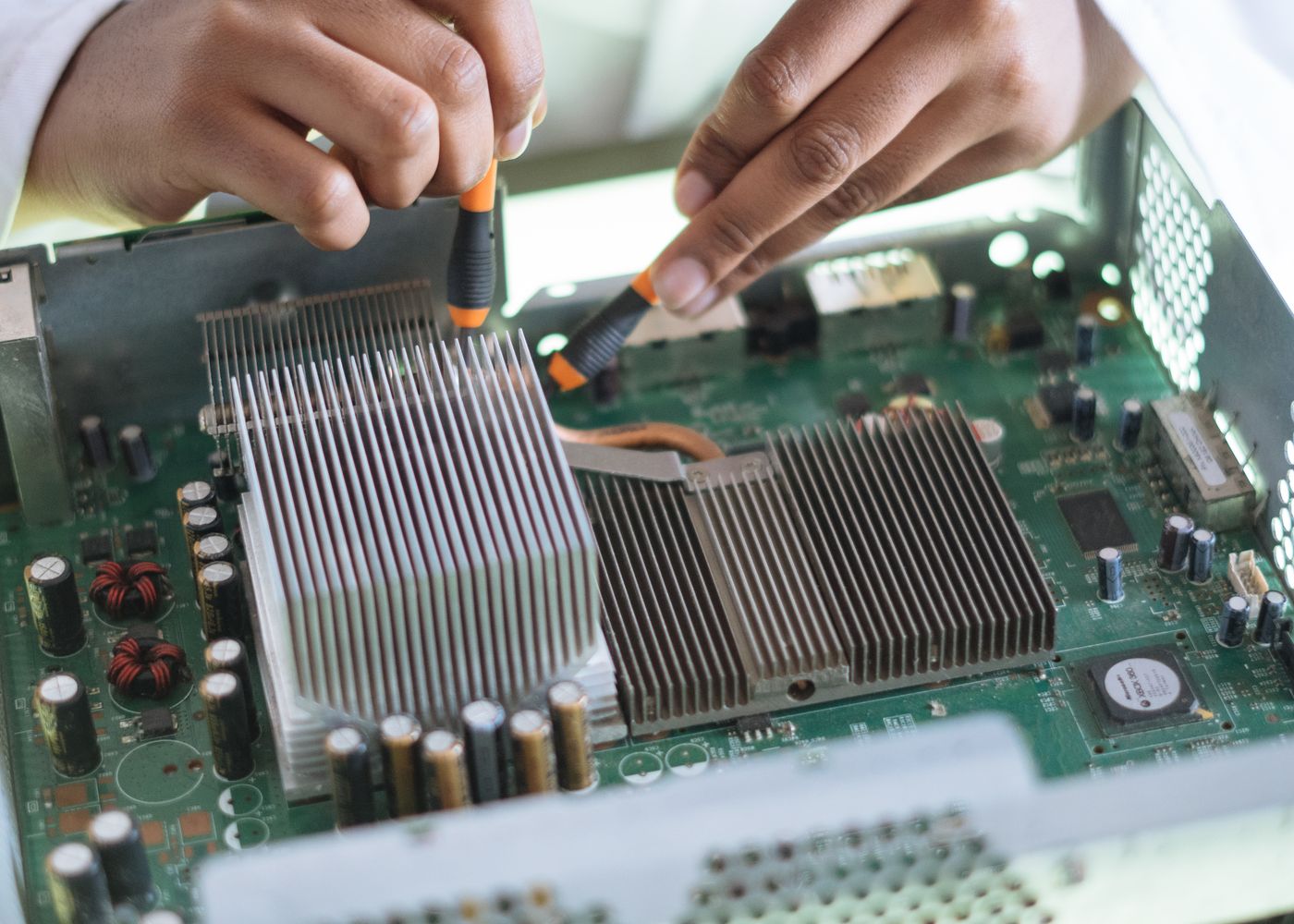
Logic Board Repair
In addition, for no-power faults, liquid damage, short circuits and other board-level problems, we can assess repair options using microsoldering techniques. Moreover, we can check related power and charging circuits.
Explore logic-board repair →Repairs for MacBook Air and MacBook Pro
In addition, we work on many Intel and Apple silicon MacBook models. However, repair options can vary by model, age, condition and part availability. Therefore, the exact model identifier helps us provide accurate advice.

More Than Simple Part Replacement
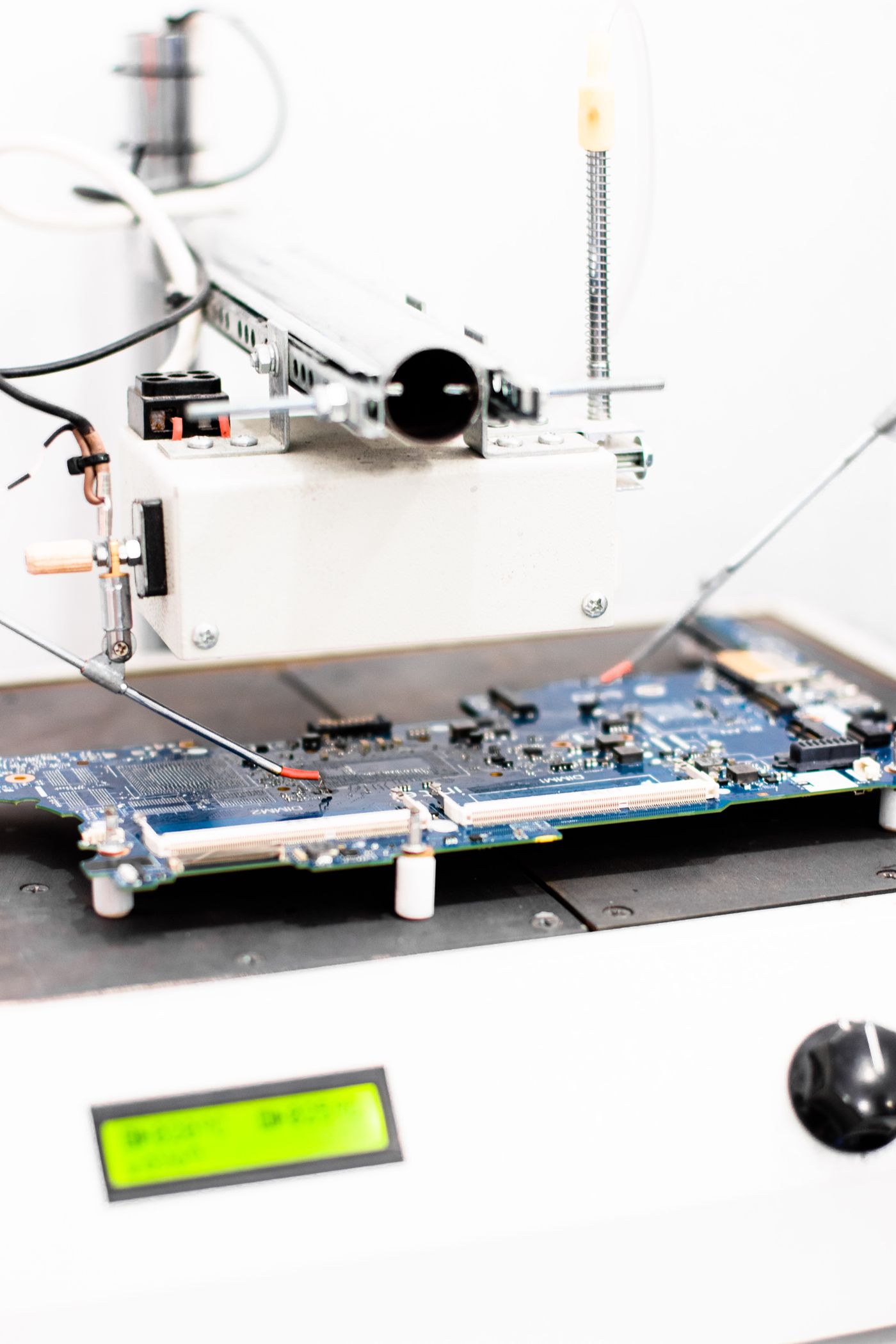
When a new screen or battery is not the answer, we can investigate deeper faults. For example, professional diagnostic equipment and microsoldering techniques can help us trace board-level problems.
MacBook Air and MacBook Pro Repair Coverage
In particular, MacBook repair options depend on the exact model and year. For that reason, send us the model identifier or serial details when you enquire. Consequently, we can check parts and the most suitable repair path.
MacBook Air
Lightweight Apple notebooks
- MacBook Air 13-inch models
- MacBook Air 15-inch models
- Intel MacBook Air models
- Apple silicon MacBook Air models
MacBook Pro
Professional Apple notebooks
- MacBook Pro 13-inch models
- MacBook Pro 14-inch models
- MacBook Pro 15-inch models
- MacBook Pro 16-inch models
Apple Silicon
M-series MacBook models
- M1 MacBook models
- M2 MacBook models
- M3 MacBook models
- Other supported M-series models
Intel MacBooks
Supported Intel-based models
- Screen and battery assessment
- Keyboard and trackpad faults
- Charging and power problems
- Logic-board diagnosis
Because model and part availability can vary, contact FiXpert with the complete MacBook model or serial details for an accurate repair assessment.
Clear Service From Diagnosis to Collection
Tell Us the Problem
First, share the model, symptoms and what happened before the fault started.
Professional Diagnosis
Next, we inspect the affected parts and test the device so we can confirm the fault before repair.
Quote & Approval
Once the fault is confirmed, you receive a clear repair recommendation and price before any approved work begins.
Repair & Testing
Finally, we complete the approved repair and test the relevant MacBook functions, including the display, keyboard, trackpad, charging, audio, connectivity and general operation.
Serving Carnes Hill and South-West Sydney
For local customers, FiXpert provides MacBook repair in Carnes Hill and nearby suburbs. In addition, we assist customers from Leppington, Liverpool, Casula, Prestons, Hoxton Park, Middleton Grange, Edmondson Park, Austral, Oran Park and Gregory Hills.
See What Customers Say About FiXpert
For the latest information, open our live Google Business Profile to view the current rating, review count and verified customer feedback.
Read Google ReviewsFor example, read customer feedback about display replacements, service and turnaround.
In addition, see experiences with battery, charging and power-related repairs.
Likewise, view comments about diagnostics and more complicated repair work.
Finally, discover feedback about communication, pricing and workmanship.
Frequently Asked Questions
Which MacBook models do you repair?
For example, we repair many supported MacBook Air and MacBook Pro models, including Intel and Apple silicon versions. Therefore, the exact model identifier helps confirm parts and repair options.
Can you repair a MacBook that will not turn on?
Yes. First, we can check the charger, battery and USB-C power input. If needed, we can then investigate liquid damage or logic-board circuits. As a result, we can identify the cause of the no-power fault.
Can you repair a liquid-damaged MacBook?
In addition, we can inspect, clean and diagnose liquid-damaged MacBooks. However, repair success depends on the type of liquid, how long the device was exposed, the amount of corrosion and which components were affected.
Do you replace MacBook screens?
Yes. For example, on supported models we can replace MacBook display assemblies affected by cracked glass, black screens, lines, flickering, backlight problems or impact damage.
Will my files be deleted during MacBook repair?
In most cases, hardware repairs do not require data deletion. Even so, important files should be backed up whenever possible because every electronic repair carries some risk.
Does MacBook repair include warranty?
In addition, eligible repairs include warranty for the fitted part and relevant workmanship. However, new physical damage, liquid exposure and unrelated faults are excluded.
Tell Us About Your MacBook Problem
To help us assess the repair, include the exact MacBook model, year or serial details, the fault and when it started. In addition, mention whether the device has been dropped, exposed to liquid or repaired before.